
2010-05-15 Alert : the old grib file server is very unstable.
Upgrade to zyGrib 3.9.2
which connect to the new file server, faster and more reliable. L'ancien serveur de fichiers grib est très instable.
Installez zyGrib 3.9.2
qui se connecte sur le nouveau serveur, plus rapide et plus fiable.
zyGrib uses the new grib file server, faster and more reliable.
Max file size is now 50 MO (was 20).
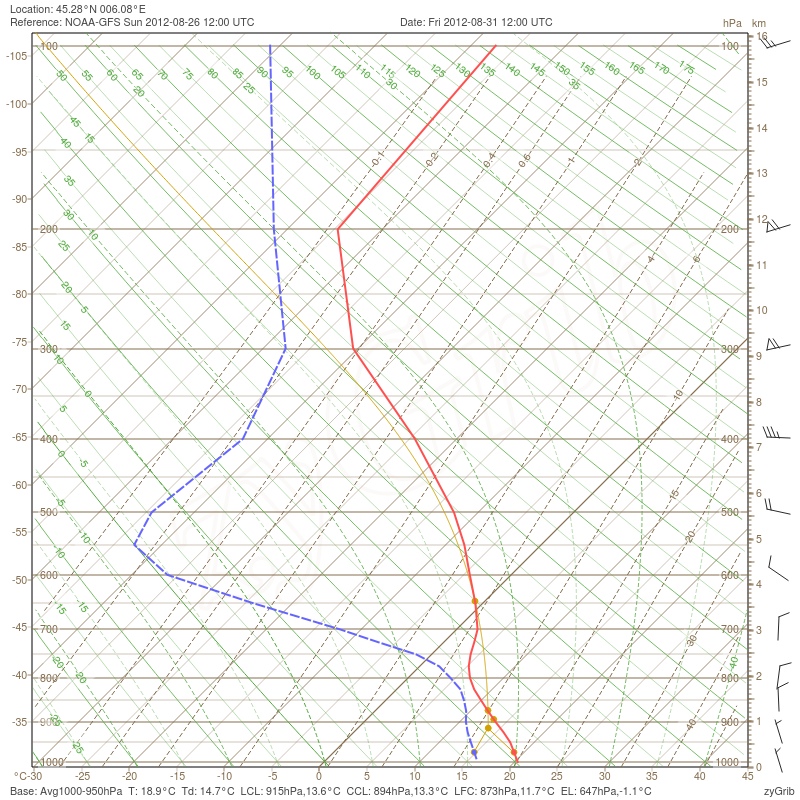
New data in meteotables : geopotential altitude.
Can save data from meteotables in SYLK format, readable with a spreadsheet.
Don't use a famous but stupid spreadsheet wich do not understand
correctly languages with beautiful accentued characters,
but prefer OpenOffice.
2010-05-02 : zyGrib Version 3.9.1
More complete information about data on the map.
Add relative humidity in altitude in meteotables.
Display if possible the wind arrows at the same altitude
than the main data of the map.
Suppress a bug : area containing longitude 180°
was sometimes not displayed when zooming.
2010-04-20 : zyGrib Version 3.9.0
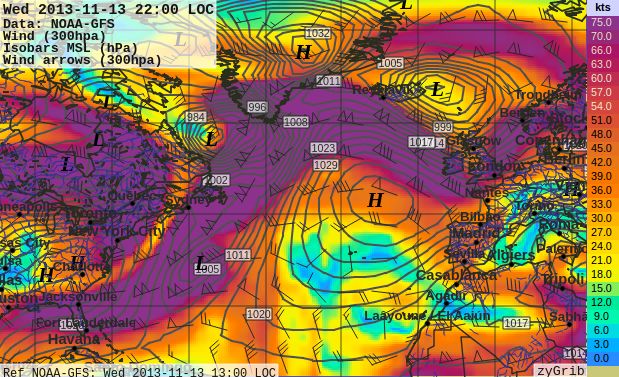
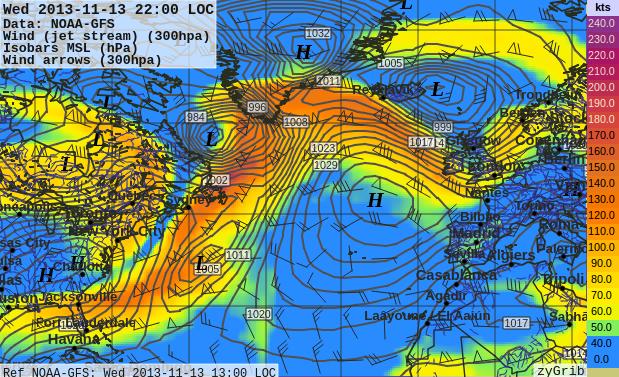
New altitude level : 200 hPa (≈ 11800 m).
New data : relative humidity at levels 850, 700, 500,300, 200 hPa.
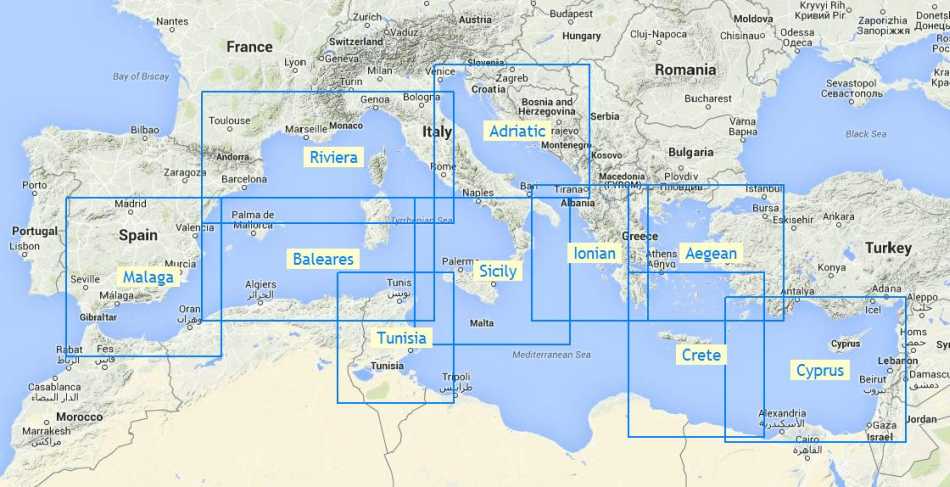
Can choose altitude levels when downloading grib files.
Solve some bugs.
2010-04-03 : zyGrib Version 3.8.6
Despite malformed file headers, zygrib can now
display corrupted GRIB files distributed by
some suppliers, in particular Maxsee.
There are more explanation in the french news page
and in the forum (also in french, sorry).
2010-03-15 : zyGrib Version 3.8.5.3
New language: Czech (thanks Pavel Kalian).
2010-03-09 : zyGrib Version 3.8.5.2
Suppress again the bug in the Windows version:
saving images worked with XP,
but not with Vista or Windows 7
(thanks a lot Microsoft for to be not compatible with yourself).
Always no change in the Linux version.
2010-03-08 : zyGrib Version 3.8.5.1
Suppress a bug in the Windows version:
a dll was missing, so it was impossible to save images.
No change in the Linux version.
2010-03-08 : zyGrib Version 3.8.5
Suppress an important bug: there was a impévisible crash
when reading certain gribs files (rare, but it is not a reason).
No new feature.
2010-03-01 : zyGrib Version 3.8.4
Save image (menu file or Ctrl+S).
Save all the images of an animation.
The trick red of the choice in the date moves
when the mouse comes to titillate the date selector
(sorry, automatic translation lose spoonerism !!!).
Dialog boxes more compact, so zyGrib is usable on low resolution screen (800x600).
Choose the language at the first start of the application.
Source sentences are now in english (bad :) ) to facilitate the translations.
Suppress a bug : geopotential altitudes very different from average value
was not shown.
2010-01-31 : zyGrib Version 3.8.3
Graphical date selector.
More complete information on meteorigical data shown on the map.
2010-01-28 : zyGrib Version 3.8.2
Can choose the unit for the geopotential altitudes.
Show altitude data in meteotables.
suppress a bug in the Windows version: save file path was lost.
2010-01-25 : zyGrib Version 3.8.1
Download and visualization of data in altitude
(geopotential altitude, wind, temperature, theta-e) at
850, 700, 500 et 300 hPa
(approx 1460, 3000, 5600 and 9200 meters).
When opening a gib file, the displayed date is the closest date from now.
There was a lot of very important changes in the source code structure.
It is now much easy to evoluate and to add new meteorological data.
Suppress a important bug when loading application in 3.8.0 version
(in line only a few minute).
2009-12-16 : zyGrib Version 3.7.1
Update Dutch translation.
New Makefile in the source version for Linux.
One can now do a make install to install
all files in the directory $HOME/zyGrib
(see the variable INSTALLDIR in the Makefile).
Note : it's not a universal solution...
but it's on the way...
2009-12-05 : zyGrib Version 3.7.0
User can change the fonts used in the interface (Ctrl+E).
By default, zyGrib use and provide free fonts
Liberation Fonts,
for the interface and (more important) to assure the control
of the size of the annotations on the maps.
Adaptive display of cities names, sorted by population.
Using cache memory for configuration parameters
(significant speed improvment on slow support like USB key).
Important rewriting of source code to facilitate future evolutions.